Ocarina of Time controls: jumping, camera, aiming and songs
How the Switch 2 remake of Ocarina of Time controls: the new jump button, dashing, the free camera, motion aiming and playing songs by button, voice or instrument.
The short answer
The Switch 2 remake changes four things about how Ocarina of Time controls. Link jumps with a button, since auto-jump is gone. Holding the roll button makes him dash. The camera can be turned freely. The bow and Hookshot can be aimed with buttons or with motion controls, chosen in Options. Ocarina songs can be played with buttons, by humming, or on a real instrument through the console's microphone.
- Jump
- A button; auto-jump removed
- Dash
- Hold the roll button
- Camera
- Free control
- Aiming
- Buttons or motion, set in Options
- Songs
- Buttons, humming or a real instrument
- Motion controls
- Optional
What changed about the controls?
| Action | In the remake |
|---|---|
| Jumping | You press a button. Link no longer jumps on his own at ledges. |
| Moving fast | Roll as before, or hold the roll button to dash |
| Camera | You turn it freely |
| Aiming the bow and Hookshot | Buttons or motion controls |
| Ocarina songs | Buttons, humming or a real instrument |
All of this comes from Nintendo: its store page and its Ask the Developer interview with the team.
Why is there a jump button now?
In the original there was no jump button. Link jumped automatically when you ran off certain edges, so the game decided where jumping was possible.
The developers say they removed auto-jump because it felt jarring to players used to modern games. You now choose when to jump.
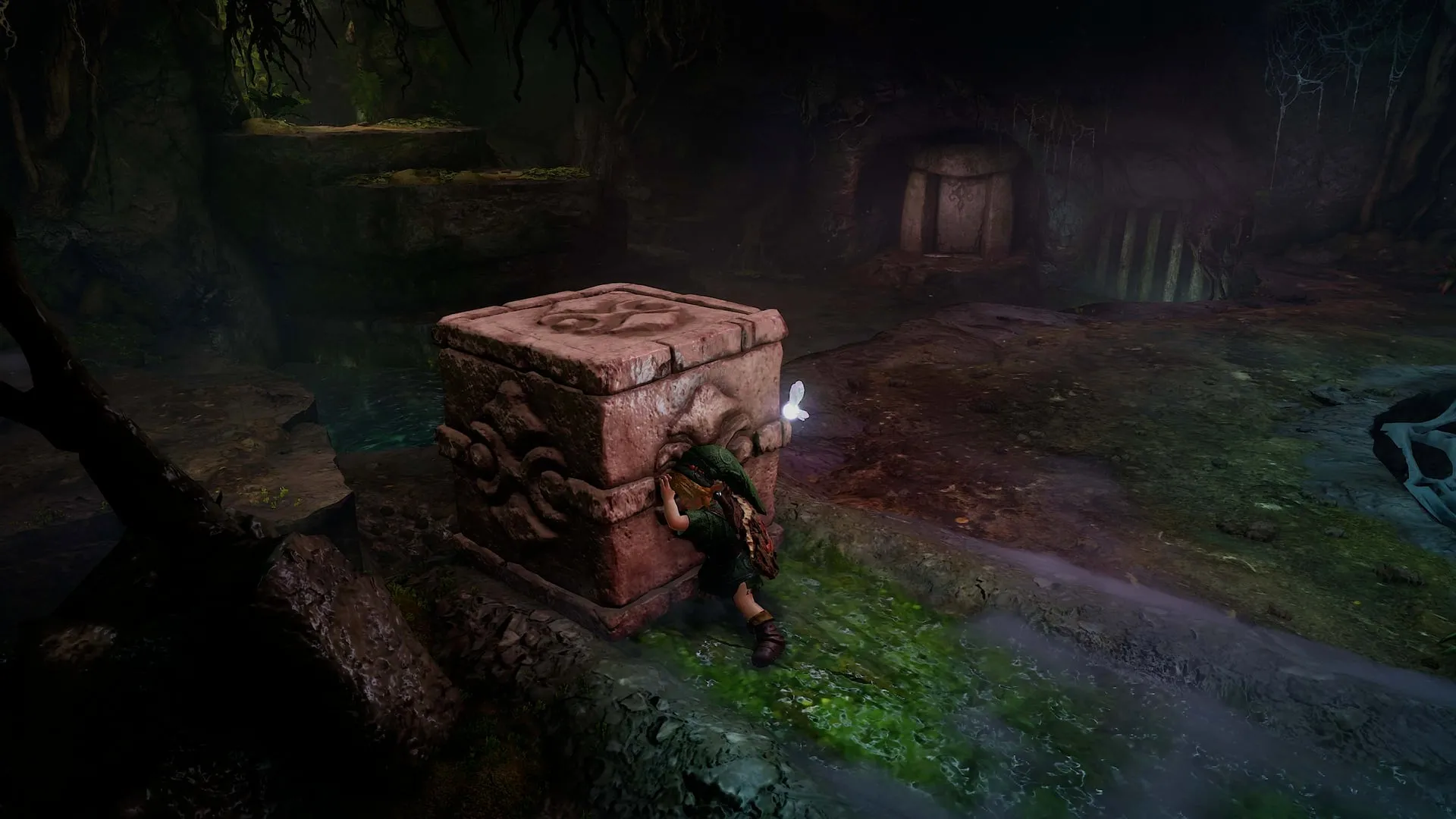
One consequence they point out: the team had to check where players can now reach, and some dungeon layouts were adjusted.
How do you dash?
Hold the roll button. The developers say they wanted to keep the old habit of rolling across Hyrule Field, so rolling still works, and holding the same button now makes Link dash.
How does the camera work?
You control it freely, as in most modern games. The original was built for a controller with one stick, and the developers describe modernizing the camera while keeping the feel of the original as one of their biggest challenges.
How do you aim?
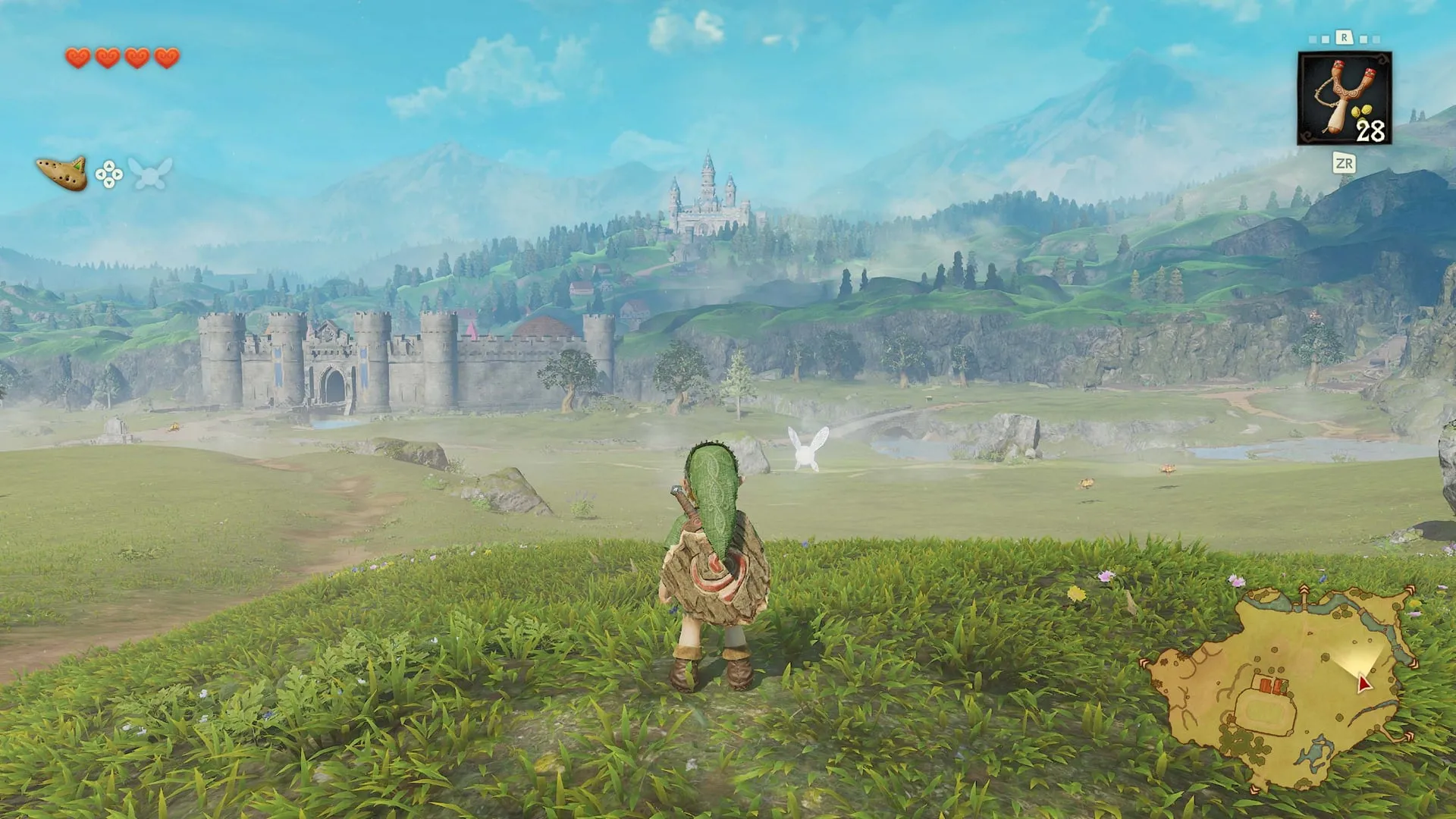
Nintendo’s store page says ranged weapons such as the Fairy Bow and the Hookshot can be aimed with button controls or with motion controls, and that you choose in the Options menu.
Motion is optional. Nintendo lists the game as playable without motion controls.
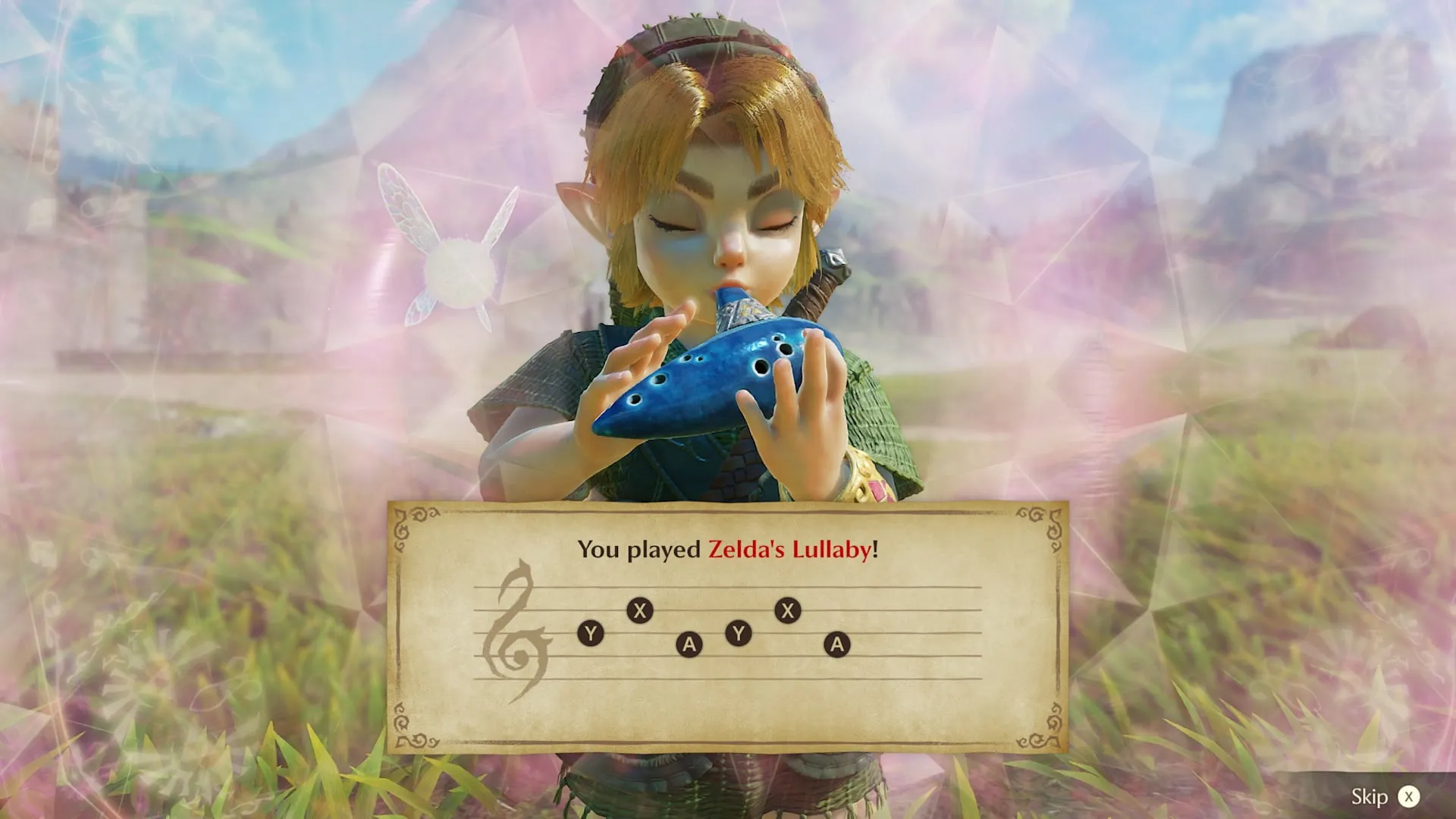
How do you play ocarina songs?
Three ways, according to Nintendo:
- Buttons, as in the original.
- Humming. Hum one of the melodies Link has learned within range of the Switch 2’s built-in microphone, and he plays it.
- A real instrument. Play the melody on your own instrument into the microphone.
Songs still do what they did: open paths, change day to night and so on. Link has to have learned a song before any of the three methods will work.
HORI’s Electric OCARINA OF TIME is an accessory built for the third method. It plays notes at the press of a button and is not a controller. See price, editions and amiibo.
What is not confirmed yet?
- The full button layout
- Whether buttons can be remapped
- How precise the humming recognition is
We will add the button layout and the settings worth changing once we have checked them in the game.
Quick questions
Is there a jump button in Ocarina of Time on Switch 2?
Yes. Nintendo's developers removed the automatic jump from the original and gave Link a jump you trigger yourself.
Can you turn off motion controls in the Ocarina of Time remake?
Yes. Aiming can be set to buttons or motion in the Options menu, and Nintendo lists the game as playable without motion controls.
How do you play ocarina songs by humming?
Hum or play one of the songs Link has learned within range of the Switch 2's built-in microphone, and he performs it in the game. Buttons still work if you prefer.
Do you need a real ocarina to play the remake?
No. Playing songs with buttons is fully supported. The microphone options and HORI's Electric Ocarina accessory are extras.
Can you still roll to move faster?
Yes. The developers kept rolling and added a dash that works by holding the same button.
Which button jumps?
Nintendo's published material does not name the button. We will add the full button layout once we have checked it in the game.
Sources
More Zelda: Ocarina of Time guides
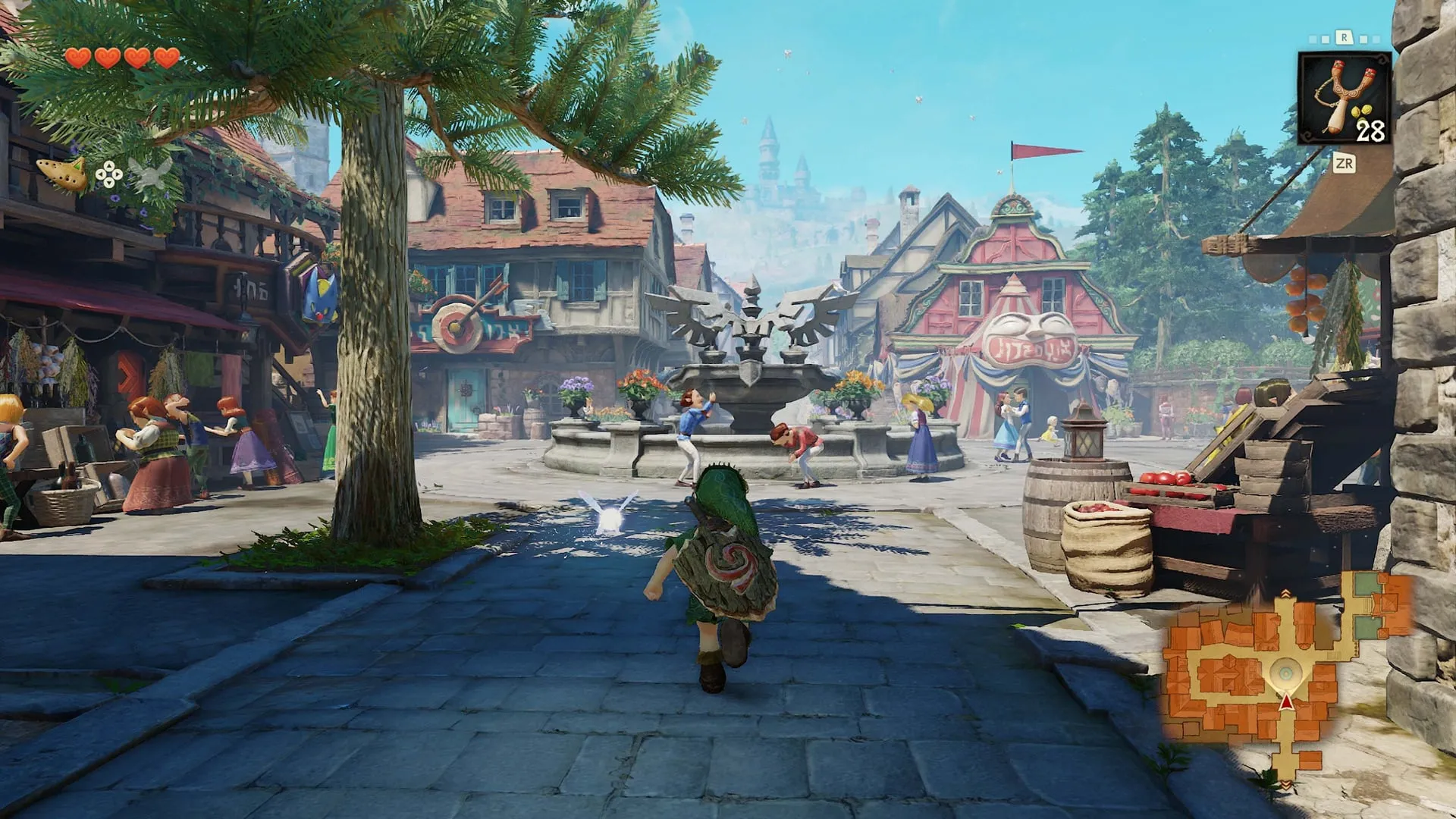
- Ocarina of Time on Switch 2: file size, languages and savesThe Switch 2 remake of Ocarina of Time is a 24.9 GB download with 16 languages, cloud saves and one manual save file. Plus the current update version.
- Is Master Quest in Zelda: Ocarina of Time on Switch 2?Master Quest is not in the Switch 2 remake of Ocarina of Time at launch, according to one review. What that means, and what the remake offers for a challenge.
- Zelda: Ocarina of Time Switch 2 price, editions and amiiboOcarina of Time on Switch 2 costs $59.99 digital and $69.99 physical in the US. The first-print case, the digital bonus, amiibo and the HORI Electric Ocarina.
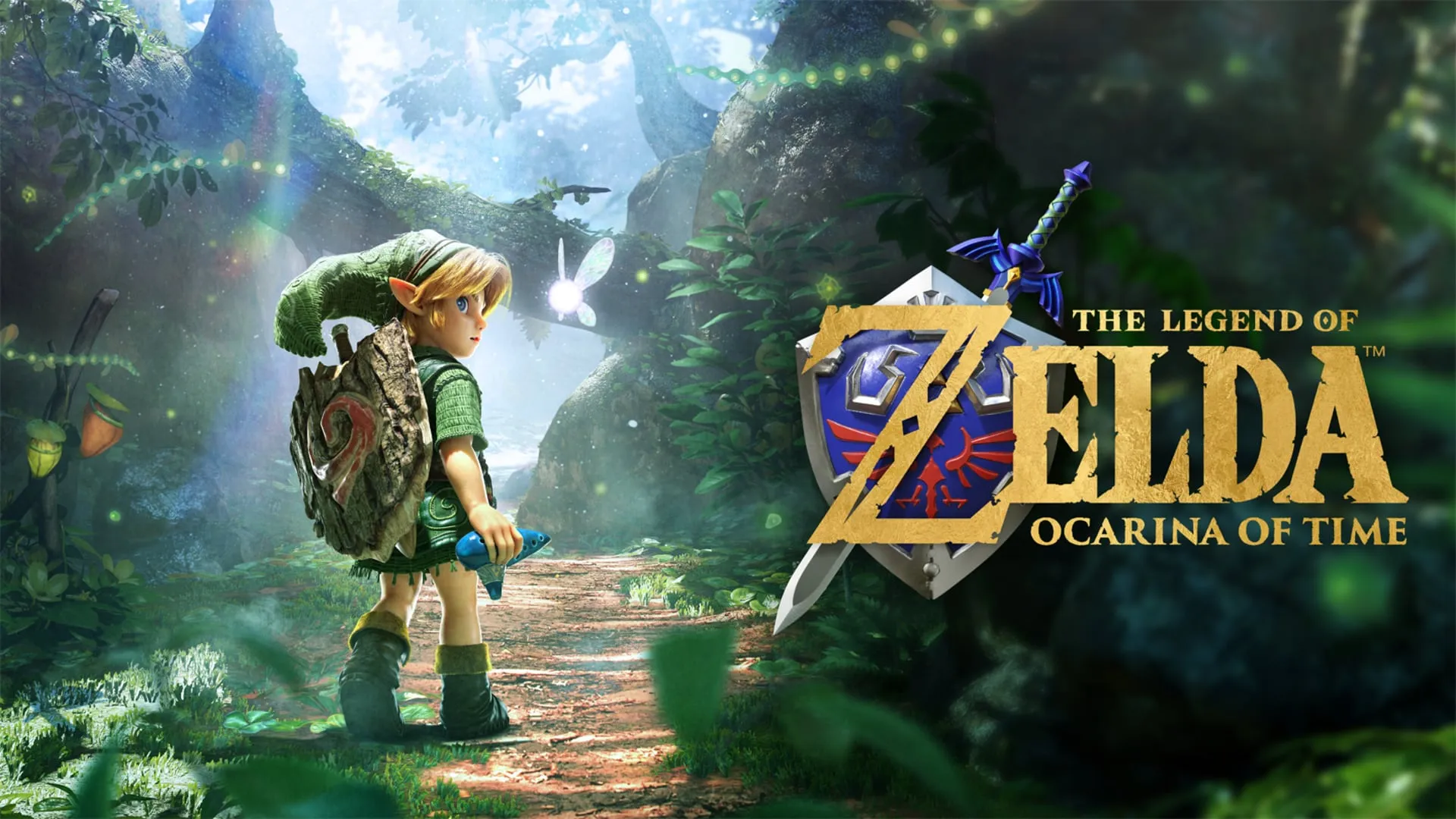
- Zelda: Ocarina of Time reviews, sales and how long it isThe Switch 2 remake of Ocarina of Time scores 96 on Metacritic and sold 5.2 million copies in four days. What critics liked, what they did not, and its length.