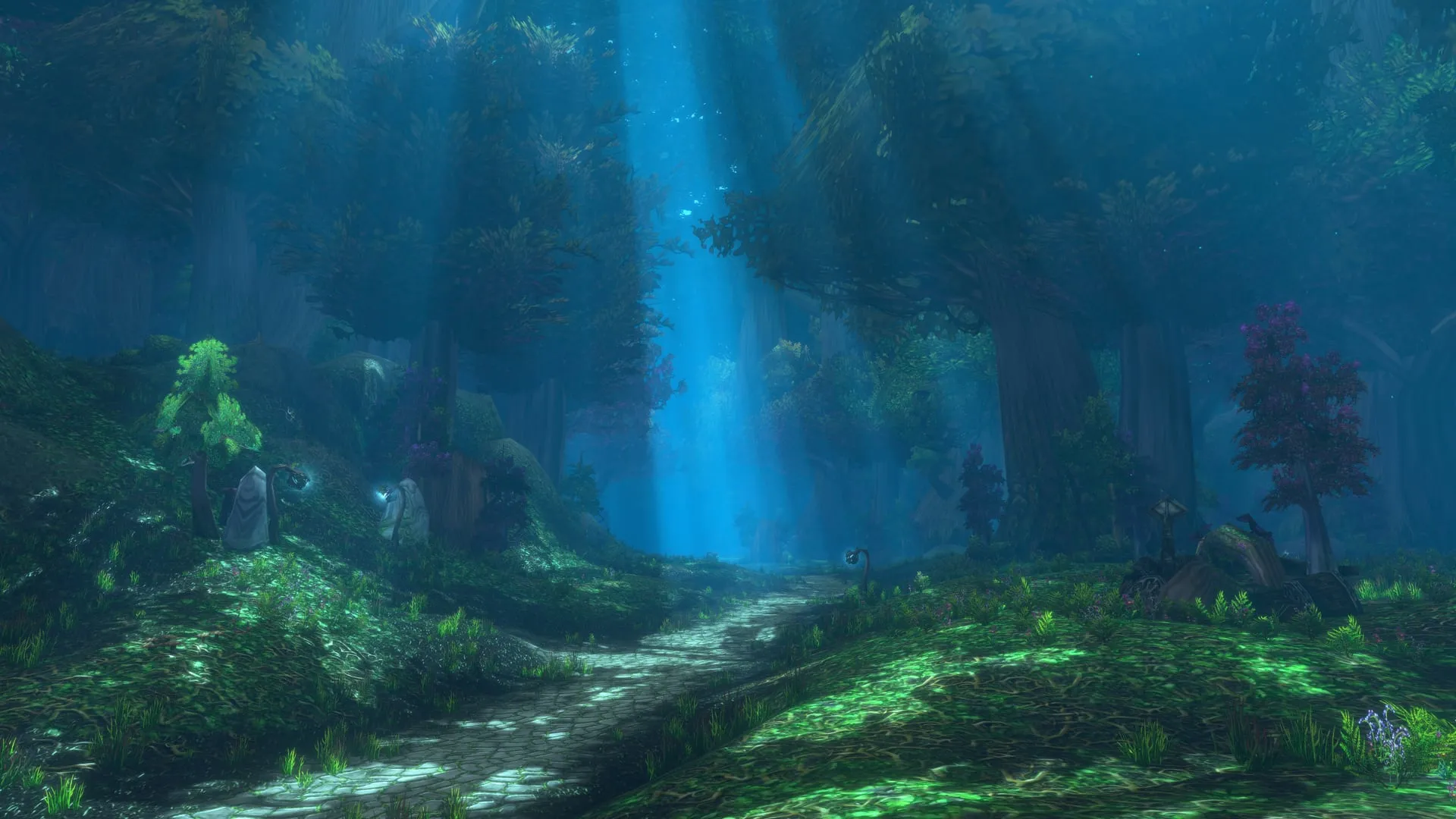
WoW: Forever controller support: setup and button layout
World of Warcraft: Forever has built-in gamepad support in beta. Which controllers work, how to turn it on, what each button does and what still needs a keyboard.
The short answer
Yes, WoW: Forever can be played with a controller. It supports all XInput-compatible gamepads and shows Xbox and PlayStation button icons. Turn it on under Game Menu > Options > Gameplay > Gamepad. The left stick moves, the right stick turns the camera, the bumpers pick targets and the triggers switch action bars. Blizzard calls it a beta, and the game is still PC and Mac only.
- Supported
- All XInput-compatible controllers
- Status
- Beta
- Turn it on
- Escape > Options > Gameplay > Gamepad
- Target friend / enemy
- LB / RB
- Switch action bars
- Hold LT, RT or both
- Console version
- None
Does WoW: Forever support controllers?
Yes. Blizzard built gamepad support into the game. It works with all XInput-compatible controllers and shows either Xbox or PlayStation button icons.
It is labelled a beta, so expect rough edges. There is no console version: you play on a PC or Mac with the controller connected.
How do you turn it on?
- Press Escape to open the Game Menu.
- Select Options.
- Under Gameplay, choose Gamepad.
That switches the game from keyboard-and-mouse input to the controller.
What does each button do?
Blizzard’s default layout, using Xbox names:
| Control | What it does |
|---|---|
| Left stick | Move |
| Right stick | Turn the camera |
| LB | Target a friendly character |
| RB | Target an enemy |
| X | Interact |
| A | Jump |
| B | Back |
| Y | Inspect |
| Hold LT, RT or both | Switch to another action bar; release to return |
| Menu button | Main Menu |
| View button | Change which part of the interface is in focus |
| LB + RB, with the right stick | Zoom the camera in and out |
The face buttons also cast spells, depending on which action bar is active.
What can you adjust?
The Gamepad settings cover the camera, a HUD modifier, how interface focus is shown, the action bars, targeting and raid targeting.
Blizzard’s advice is to arrange your abilities around the buttons the same way you would arrange an action bar, and to change the layout as you learn new spells.
What are the limits?
- It is a beta. Blizzard says parts of the interface are still being reworked for controllers.
- No console release. The game is on Windows and Mac only.
- Other controllers. Blizzard names XInput-compatible gamepads. It has not said anything about other kinds, or about handheld PCs.
Installing the game and what your computer needs are in how to install WoW: Forever.
Newsletter
Get new guides by email
One short email when new walkthroughs and guides go up. No spam, and you can unsubscribe from any email.
You'll get an email to confirm. Sign-ups are handled by Kit; see our privacy page.
Quick questions
Can you play WoW: Forever with a controller?
Yes. Gamepad support is built in, as a beta, for all XInput-compatible controllers.
Does a PlayStation controller work with WoW: Forever?
The game shows PlayStation button icons as well as Xbox ones. Blizzard states support for XInput-compatible controllers.
How do you turn on gamepad controls?
Press Escape, select Options, then choose Gamepad under Gameplay.
Is WoW: Forever on Xbox or PlayStation?
No. It runs on Windows and Mac. A controller connected to the computer is the only way to play with a gamepad.
How do you zoom the camera on a controller?
Hold both bumpers and move the right stick forward or back.
Sources
- Explore WoW: Forever with a GamepadBlizzard Entertainment
- WoW: Forever—What's New and What Feels FamiliarBlizzard Entertainment
More WoW: Forever guides
- WoW: Forever cost: subscription, upgrade packs and what is freeWoW: Forever is included with a World of Warcraft subscription or Game Time. What the three optional upgrade packs add, what they cost and what is not sold.
- WoW: Forever Hardcore release date and roadmap for 2027Hardcore is coming to WoW: Forever after launch, with no date yet. What Blizzard has said about it, and the roadmap of raids and updates through summer 2027.
- WoW: Forever hotfixes and patch notes: every change since launchWhat Blizzard has changed in WoW: Forever since the November 4 launch: dungeon XP, class tuning, quest gold, the Auction House and the known issues still open.
- How to install WoW: Forever, and what your PC needsHow to install World of Warcraft: Forever through Battle.net on Windows or Mac, the graphics cards it no longer supports, and how to turn on gamepad controls.