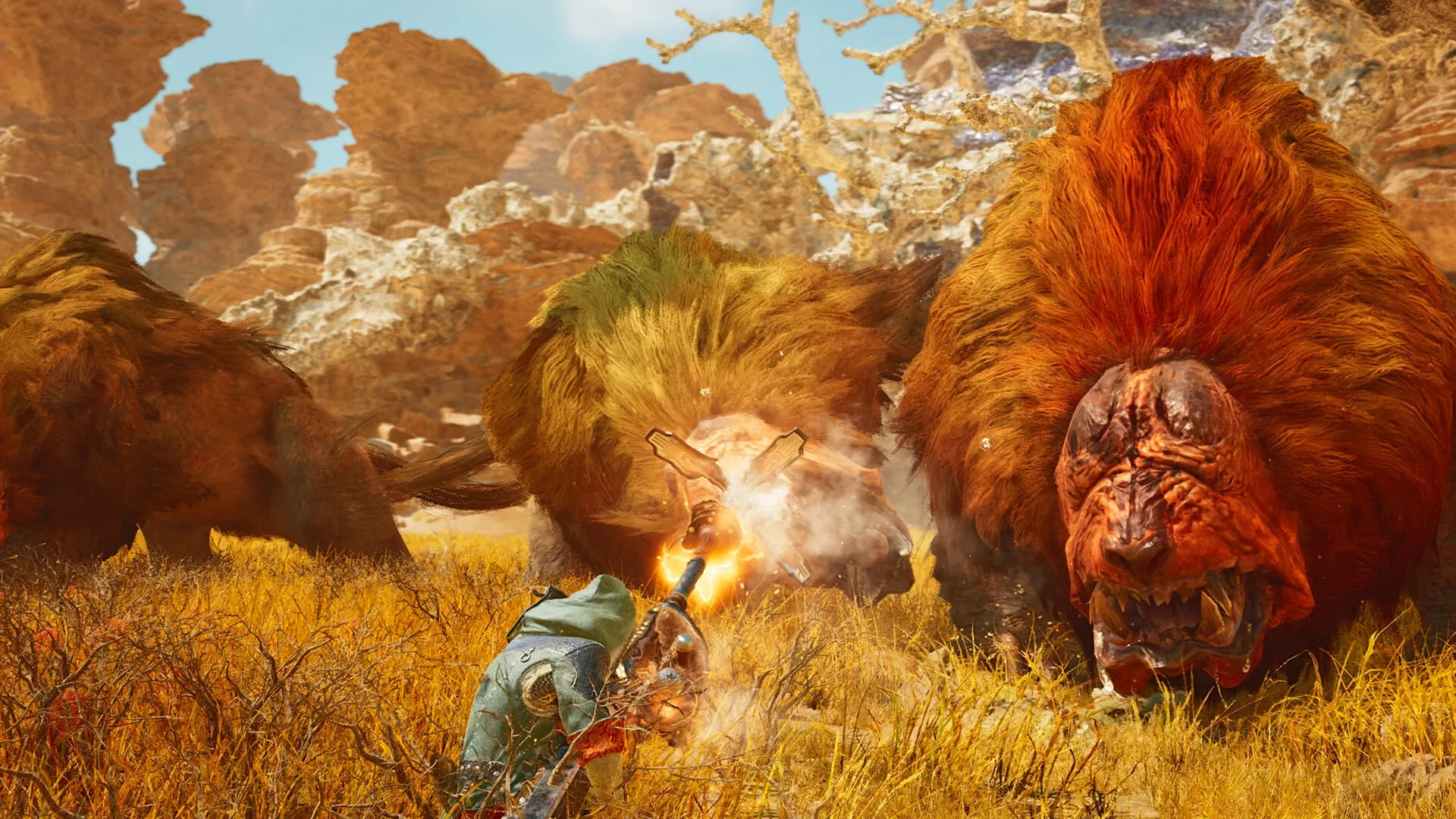
Monster Hunter Wilds Switch 2 performance: resolution, fps and modes
Capcom's targets for Monster Hunter Wilds on Switch 2: 1260p or 1080p docked, 864p handheld, all at 30fps with no ray tracing. Plus what the demo analysis found.
The short answer
Capcom targets 30fps in every Switch 2 mode. Docked, you choose Prioritize Resolution (2240 x 1260 output) or Prioritize Framerate (1920 x 1080). Handheld outputs 1536 x 864. There is no ray tracing, and the render resolution drops under load, with upscaling. Digital Foundry's look at the demo found a steady 30fps and an option to unlock the frame rate.
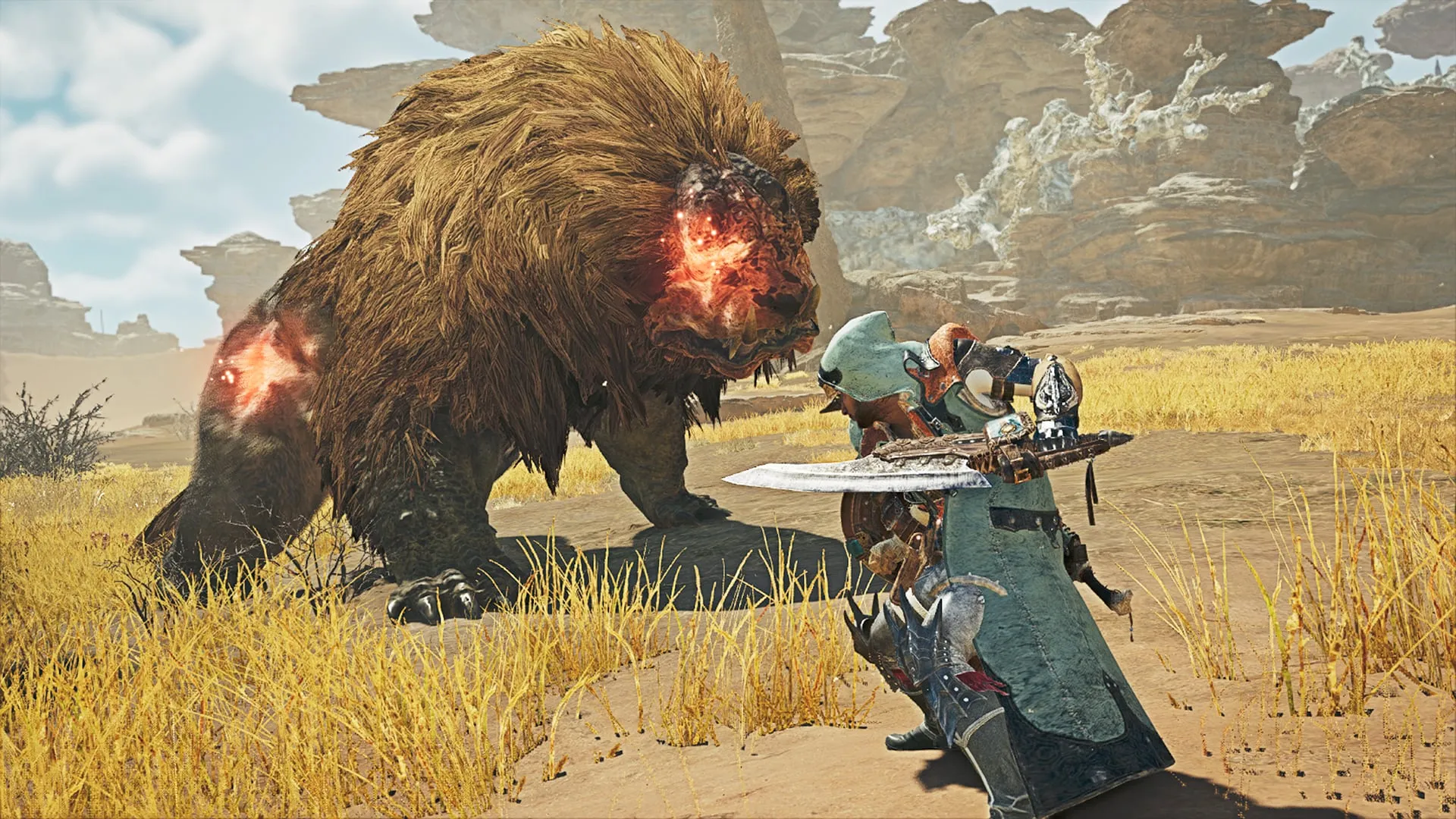
- TV mode, Prioritize Resolution
- 2240 x 1260 output, 30fps target
- TV mode, Prioritize Framerate
- 1920 x 1080 output, 30fps target
- Handheld mode
- 1536 x 864 output, 30fps target
- Ray tracing
- Off on Switch 2
- HDR
- Supported on compatible TVs
- Download size
- 39.1 GB (Nintendo's estimate)
What are Capcom’s official targets?
Capcom publishes a performance table on its Products page (choose Nintendo Switch 2, then Performance). For Switch 2 it lists three settings:
| Mode | Output resolution | Frame rate target | Ray tracing |
|---|---|---|---|
| TV mode, Prioritize Resolution | 2240 x 1260 | 30fps | Off |
| TV mode, Prioritize Framerate | 1920 x 1080 | 30fps | Off |
| Handheld mode | 1536 x 864 | 30fps | Off |
Two notes come with the table. The render resolution changes with system load, and when it falls below the output resolution the game upscales. And the frame rate may drop in some high-load moments.
So the numbers above are the size of the final image, not a fixed internal resolution. Outlets first reported the Switch 2 targets on September 18, 2026.
Is there a 60fps mode?
Not officially. Both docked modes target 30fps in Capcom’s table, and the docked choice is mostly about sharpness.
Digital Foundry’s analysis of the Switch 2 demo, as summarized by Nintendo Everything, found more detail than the table gives:
- A frame rate toggle that either locks the game to 30fps or leaves it unlocked.
- In the frame rate mode with the cap removed, roughly 40 to 55fps.
- That mode lowered the resolution to around 600p and dropped screen space reflections.
- With the lock on, a consistent 30fps.
These findings come from one analysis of the demo, not from Capcom, and the full game may differ.
How does handheld mode look?
Capcom’s target is a 1536 x 864 output at 30fps. Digital Foundry estimated the handheld render resolution at about 432p before upscaling, with lower-resolution shadows and no screen space reflections. Again, that comes from a single analysis of the demo.
How does it compare with Xbox Series S?
Capcom’s own table gives the Xbox Series S a single setting: 1920 x 1080 output at 30fps, with no ray tracing. That is close to the Switch 2’s docked Prioritize Framerate setting.
Digital Foundry’s comparison, again via Nintendo Everything, found the Switch 2 version generally had clearer textures than Series S and kept screen space reflections that Series S lacks. It also found a cleaner image with less aliasing on Switch 2, but more shimmer in motion. On the minus side, some objects and characters had reduced or missing shadows, and distant foliage and some character animation were simplified. The full list of differences from the other consoles is in Switch 2 vs PS5, Xbox and PC.
What other display features are there?
Nintendo’s store page lists HDR output on compatible TVs and surround sound (linear PCM). The game supports TV, tabletop and handheld modes.
The demo’s November 13 patch (version 1.0.2) fixed a long black screen when returning to the HOME Menu with the console’s 120 Hz output setting turned on. That fix is about the console setting; Capcom has not announced a 120fps mode.
How can I check it myself?
Download the free Prologue Demo. Capcom says it needs at least 14 GB of free space. It covers the opening of the game and carries your save over to the full version. For the button layout and the settings Capcom documents, see controls and settings.
Newsletter
Get new guides by email
One short email when new walkthroughs and guides go up. No spam, and you can unsubscribe from any email.
You'll get an email to confirm. Sign-ups are handled by Kit; see our privacy page.
Quick questions
Does Monster Hunter Wilds run at 60fps on Switch 2?
No. Capcom's target is 30fps in both docked modes and in handheld mode. Digital Foundry reported that the demo can unlock the frame rate in the frame rate mode, where it ran between 40 and 55fps.
What resolution is Monster Hunter Wilds on Switch 2?
Capcom lists output resolutions of 2240 x 1260 (docked, Prioritize Resolution), 1920 x 1080 (docked, Prioritize Framerate) and 1536 x 864 (handheld). The game renders at a lower resolution when the system is under load and upscales to those.
Does the Switch 2 version have ray tracing?
No. Capcom's performance table marks ray tracing as disabled on Switch 2.
Which mode should I use docked?
Capcom targets 30fps in both, so Prioritize Resolution gives the sharper picture at the same target. Try the frame rate option yourself in the free demo before you buy.
Can I test performance before buying?
Yes. The free Prologue Demo on the Nintendo eShop has the same opening as the full game, and its save carries over.
Sources
- ProductsCapcom
- Monster Hunter Wilds for Nintendo Switch 2Nintendo
- MONSTER HUNTER WILDS Prologue DemoCapcom
- Capcom details performance for Monster Hunter Wilds on Nintendo Switch 2Nintendo Everything
- Monster Hunter Wilds Nintendo Switch 2 tech analysis, including frame rate and resolutionNintendo Everything
- Monster Hunter Wilds on Switch 2: 1260p resolution mode, 1080p performance, 864p handheld, 30fpsMy Nintendo News
More Monster Hunter Wilds guides
- Monster Hunter Wilds Switch 2 release date, price and pre-order dealMonster Hunter Wilds comes to Nintendo Switch 2 on December 4, 2026. The digital game is $39.99, or $29.99 if you pre-order by December 3. All prices and editions.
- Monster Hunter Wilds Switch 2 editions, DLC and the game-key cardStandard, Gold or the physical Deluxe Edition? What each Monster Hunter Wilds edition on Switch 2 includes, what it costs, and how the game-key card works.
- How to carry and switch two weapons in Monster Hunter WildsHow the second weapon on your Seikret works in Monster Hunter Wilds: how to set it, the button to switch mid-hunt, what carries over and what does not.
- Monster Hunter Wilds Tempered monsters and Investigations explainedHow Tempered monsters and Investigations work in Monster Hunter Wilds: when they unlock, the 7★ to 9★ tiers, what they drop and how to save a hunt for later.