How to save in GTA 6: manual saves, autosave and slots
To save in GTA 6, open the pause menu and choose Game, then Save Game. It works in free roam, not during most missions. You get 15 manual slots and one autosave.
The short answer
To save manually in GTA 6, open the pause menu, choose Game, then Save Game. It works anywhere in free roam, but the option is usually grayed out during missions. The game has 15 manual save slots and one autosave. Because missions cannot be replayed, keep a manual save at the start and end of each chapter. These steps come from PowerPyx.
- How to save
- Pause menu > Game > Save Game
- Where it works
- Free roam; usually not during missions
- Manual slots
- 15
- Autosave
- One slot
- After using a cheat
- Saving is blocked
How do you save manually?
- Pause the game: Options on PS5, Menu on Xbox.
- Choose Game.
- Choose Save Game.
- Pick one of the 15 slots.
PowerPyx reports that this works anywhere in the open world while you are not in a mission. We have not tested it ourselves.
When can you not save?
- During missions. The Save Game option is usually grayed out. Missions use checkpoints instead.
- After using a cheat. PC Gamer and PowerPyx both say saving is blocked once a cheat is active. Cheats only work after the story, so this will not catch you early. See GTA 6 cheat codes.
Does the game save by itself?
Yes. There is one autosave slot, separate from your 15 manual slots. Do not rely on it alone: a single autosave is overwritten as you play, so it cannot take you back to an earlier chapter.
How should you use the 15 slots?
GTA 6 has no mission replay, so your saves are the only way back to earlier parts of the story. PowerPyx’s suggestion is simple: keep a save from the start and end of each of the five chapters, which uses ten slots, and rotate the other five.
Two more moments are worth a save:
- Before the last mission. There are multiple endings.
- Before entering any cheat. You cannot save afterward.
More on going back is in can you replay missions in GTA 6?
How do you pass time?
By sleeping at home. PowerPyx says sleeping lets you skip to morning, noon, evening or night, which helps when a mission only appears at a certain time. Sleeping is not how you save.
Quick questions
How do you save in GTA 6?
Press Options on PS5 or Menu on Xbox to pause, choose Game, then Save Game. PowerPyx reports it works anywhere in free roam.
Does GTA 6 autosave?
Yes. The game keeps one autosave slot alongside the 15 manual slots.
Why can I not save in GTA 6?
The Save Game option is usually grayed out during missions. It is also blocked after you use a cheat, according to PC Gamer and PowerPyx.
How many save slots does GTA 6 have?
15 manual slots and one autosave slot, as reported by both Eurogamer and PowerPyx.
Do you need to sleep in a bed to save in GTA 6?
No. Saving is done from the pause menu. Sleeping at home passes time instead.
Sources
More GTA 6 guides
- Can you replay missions in GTA 6? No, so save like thisGTA 6 has no mission replay and no chapter select. How to use its 15 manual save slots to go back anyway, and what Rockstar says about the choice.
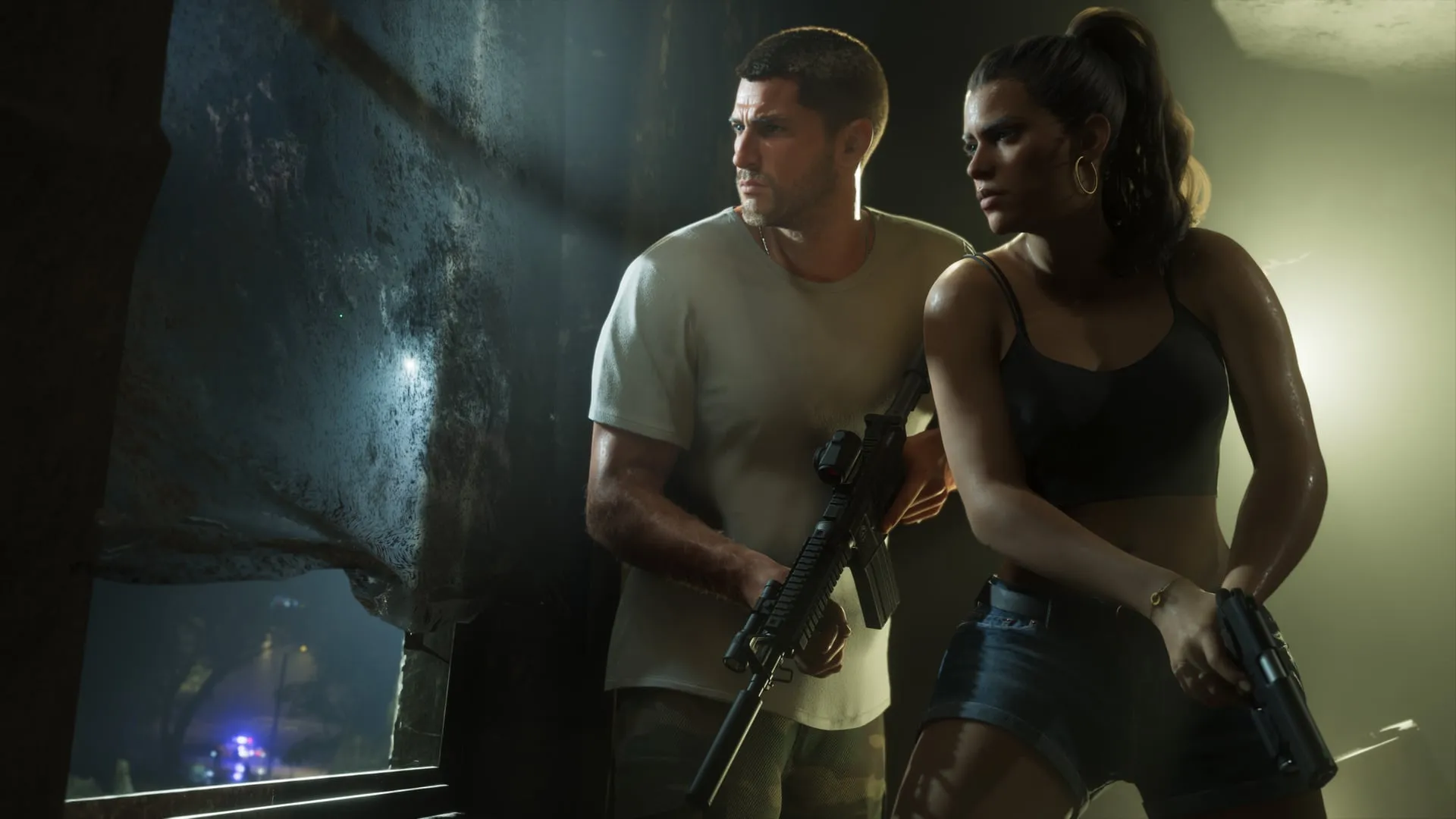
- GTA 6 gameplay: what is new in the released gameA tour of what is new in the released GTA 6: switching leads, the wanted system, fuel and car theft, money, the phone, combat and saving, with a link to each guide.

- GTA 6 phone: every app reported so far and what it doesThe GTA 6 phone apps reported in the released game: BuckMe, RydeMe, Scooter Bros, WAiNK, the police scanner, Vice City Real Estate and more, and when each unlocks.
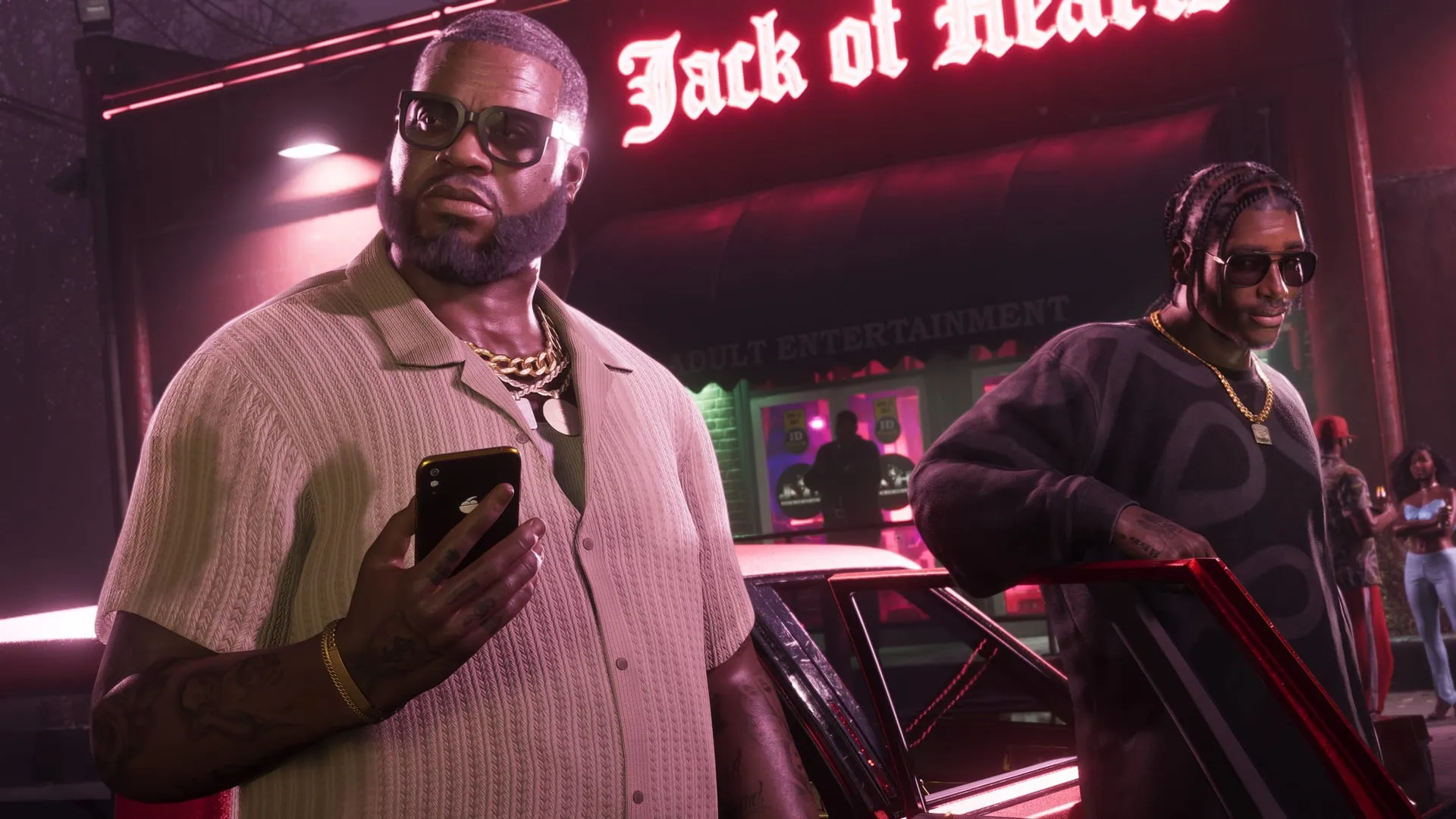
- GTA 6 relationship system: Jason and Lucia's four levelsJason and Lucia's relationship in GTA 6 has four levels. What raises it, what lowers it, what it is known to change, and what nobody has confirmed yet.